
Workout tracker app
A workout tracker that starts where your saved videos end
Most workout trackers open on a blank screen and expect you to build every routine by hand. Prept starts with the workouts you already saved from TikTok, Instagram and YouTube.


Why it works
What makes Prept's workout tracker different
Tracking starts at the video
Share a workout reel or Short and Prept writes out the exercises, sets and reps — the routine is ready to track without typing.
Set-by-set logging with the clip
Log weight, reps or time for every set while the source video sits one tap away, jumped to the exercise you're on.
Last session pre-filled
Each set opens with what you logged last time for that exercise, so you always know the number to beat.
Muscles and calories, automatically
Every logged workout feeds a body map of the muscles you trained and an estimated calorie burn on your progress calendar.
How it works
From saved video to logged session
Save any workout
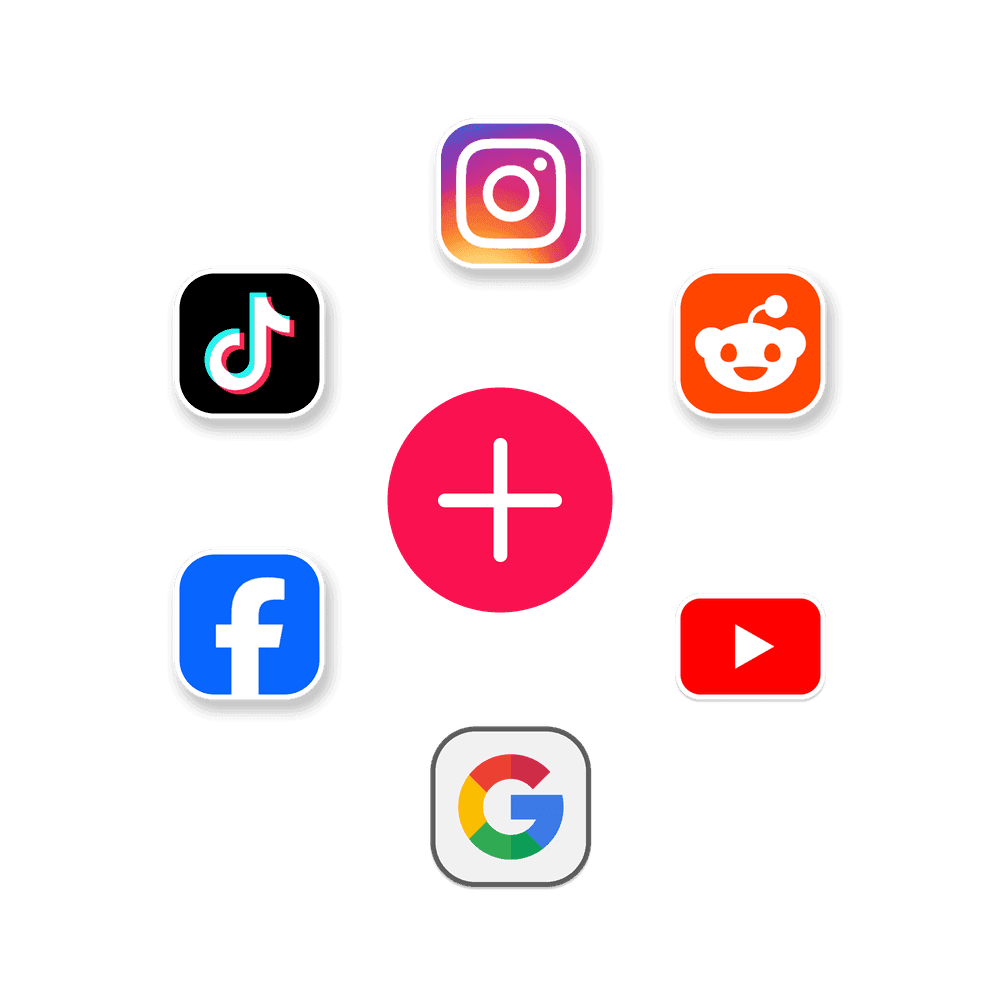
Share a TikTok, Instagram reel, YouTube video, screenshot or PDF to Prept, or paste the link.
Get a real routine
Prept lists each exercise with its sets, reps and the muscles it works. Edit anything it got wrong.
Start and log
Tap Start workout and go step by step: watch the move, log the set, move on.
See your progress
Your calendar, muscle map and analytics fill in from what you actually logged.
Questions
Good to know
How is Prept different from workout trackers like Strong or Hevy?
Strong and Hevy are built for logging routines you type in yourself, and they're excellent at it. Prept is built for people who find workouts on social media: it turns a saved video into the routine for you, then tracks it. If you already know your program by heart, a classic logger may suit you better.
What can I track for each exercise?
Weight and reps for loaded lifts, reps alone for bodyweight moves, and time for holds and intervals. Weight can be shown in kilograms or pounds.
Can I add exercises that weren't in the video?
Yes. Every imported workout is editable — add, remove or reorder exercises and change sets and reps before or after you train.
Is Prept free?
Prept is free to download. The free plan includes up to 14 imports a month from TikTok and YouTube. Prept Pro adds unlimited imports and saving from Instagram, Facebook, Pinterest, Reddit, X and Threads.
The workout tracker that matches how you find workouts
Stop retyping routines from videos. Turn the ones you saved into workouts you can track today.
Scan to download