
How to Organize Saved Workout Videos (So You Actually Use Them)
A simple system for organising saved workout videos from TikTok, Instagram and YouTube: one inbox, a few collections, and a weekly plan.
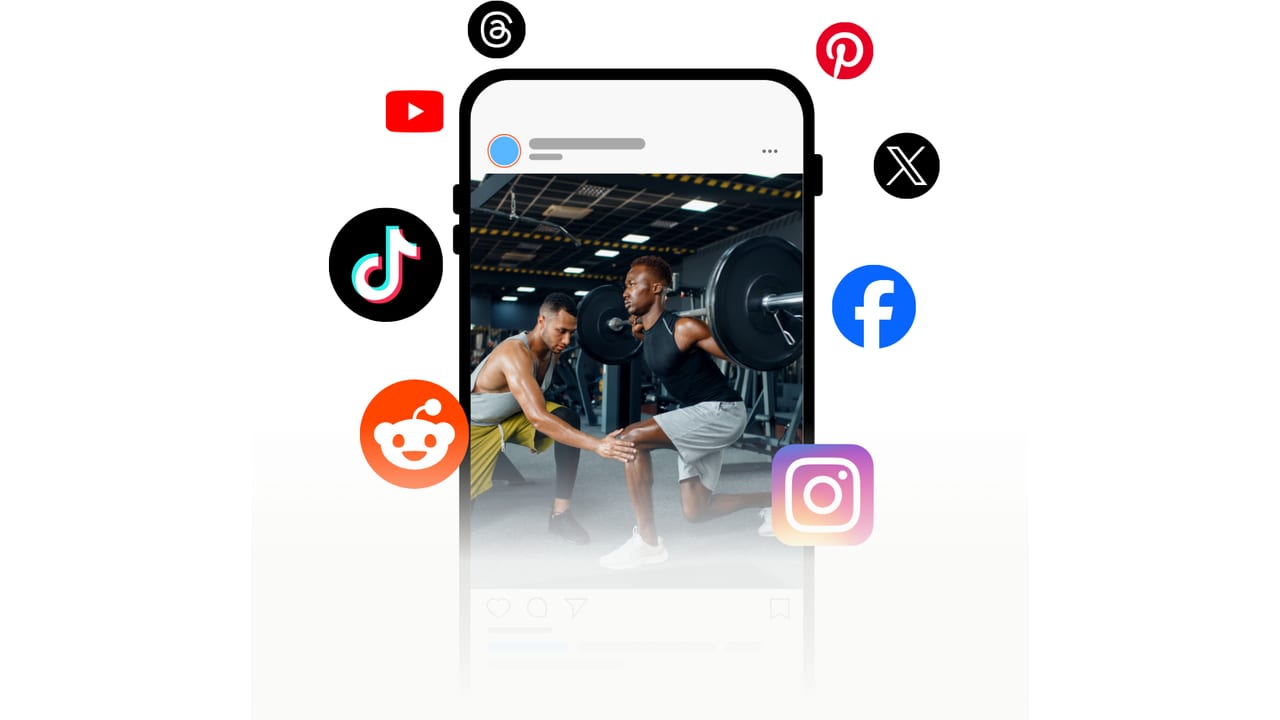
To organise saved workout videos, get them out of the five apps they are scattered across and into one place, then sort them by when you’ll do them (Push, Pull, Legs, “20 minutes at home”) rather than by creator or body part. Keep a “to try” inbox, promote workouts only after you’ve done them, and plan the week from the library every Sunday.
Why saved workout videos become a junk drawer
A typical “workout library” looks like this: 140 TikTok Favourites, a few hundred Instagram saves (some in collections, most not), a YouTube Watch Later list from 2023 and a camera roll full of screenshots. Every save was a good idea at the time. Together they fail in four predictable ways:
- You can’t search them. None of the big apps lets you search inside your saves, so finding a specific workout means scrolling thumbnails.
- The workout is trapped in the video. To find out the sets and reps you have to rewatch it — usually at the gym, on bad Wi-Fi.
- They’re split across apps. Your best leg workout is on TikTok and your second-best is on Instagram, so neither app has the full picture.
- Saves disappear. When a creator deletes a post or goes private, it vanishes from your saved folder without notice.
Step 1: Pick one home for workouts
Choose a single place where every workout you want to keep ends up. There are two realistic options:
- A notes app or Notion. Free and flexible. For each workout, paste the link and type the exercises, sets and reps underneath. Expect 5–15 minutes per video, which is fine for a few a month.
- A workout saver app. Share the video and the app writes out the exercises for you. Prept does this for TikTok, Instagram, YouTube, Facebook, Pinterest, Reddit, X, Threads, screenshots and PDFs; Gymdex, RepReel, Pumply and FitSaver cover fewer sources. Our workout organizer roundup compares them.
Either works. What doesn’t work is keeping the platforms’ saved folders as your system — they’re fine as a temporary inbox, not a library.
Step 2: Use an inbox and a short list of collections
The mistake most people make is creating a collection for everything (“Glutes”, “Glutes 2”, “Booty bands”, “Kettlebell”, “Abs”…). Instead, use one inbox and five to eight collections named after when you train:
| Collection | What goes in it |
|---|---|
| To try | Everything new. Nothing stays here more than a few weeks. |
| Push / Pull / Legs (or Upper / Lower) | Workouts you’ve done and would repeat, by training day |
| Short & home | Under 25 minutes, little or no equipment |
| Travel / hotel gym | Dumbbell-only or bodyweight |
| Finishers & warm-ups | The 3-exercise clips you tack onto other sessions |
If you don’t know which split suits you, our free split generator will suggest one from how many days you can train.
Step 3: Promote workouts only after you’ve done them
A workout earns a place in a real collection by being done once. After the session, either move it from “To try” to the right collection, or delete it. This one rule keeps your library made of workouts you know are good, at a length you’ll actually do — not 400 maybes.
Step 4: Plan the week from the library
On Sunday, spend ten minutes putting a workout from each collection on each training day. A paper calendar works; in Prept you add saved workouts to days in the weekly planner, mark rest days, and check which muscles each day covers on a body map — the quickest way to spot a week that’s all chest and no hamstrings. Our guide to turning videos into a plan has a full template.
Step 5: Clean up once a month
- Empty the “To try” inbox: try, promote or delete.
- Delete duplicates — creators repost the same workout constantly.
- Clear the platforms’ own saved folders once everything useful is in your library, so next month’s inbox starts empty.
Platform-specific tips
- TikTok: Favourites support collections — use one called “Inbox” and move things out weekly. TikTok workout saver.
- Instagram: carousel workouts are hard to follow mid-set; convert them into a single list. Instagram workout saver.
- YouTube: playlists are the best built-in organiser — name them after training days. YouTube workout saver.
- Pinterest: boards already work like collections; the catch is that image pins can’t be logged against. See saving workouts from Pinterest.
Frequently asked questions
How do I organise workout videos from TikTok and Instagram together?
Neither app can see the other’s saves, so you need a third place: a notes app where you paste links and type the workout, or a workout saver app like Prept that imports from both and sorts everything into the same collections.
Should I organise workouts by muscle group or by training day?
By training day (Push, Pull, Legs, Upper, Lower, Full body). Most workouts hit several muscles, so muscle-group folders end up overlapping, while training-day collections match how you actually choose a workout.
How many saved workouts do I actually need?
Fewer than you think: two or three you like for each training day is plenty. Progress comes from repeating workouts and adding weight or reps, not from doing a new video every session — see our progressive overload guide.
Can I search my saved Instagram or TikTok videos?
Not inside the apps. Once the workouts are in Prept or a notes app, you can search by exercise or workout name.